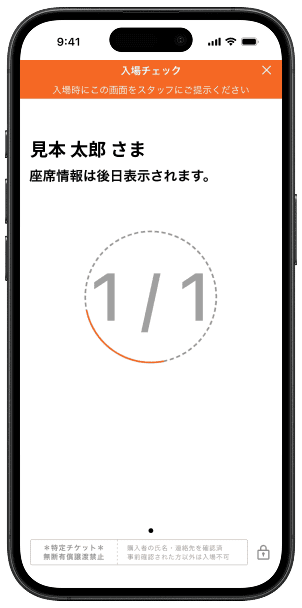
How to Use E-Ticket
- STEP1
-
Download the Ticketplus e-ticket app
Please access the app using your smartphone.
-

Send URL to iPhone -

Send URL to Android -
App StoreGoogle Play Download the Tixplus e-ticket app
-
- STEP2
-
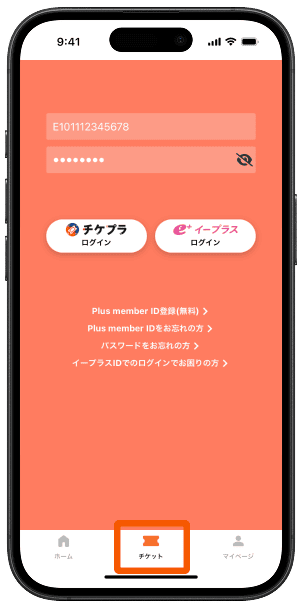
Log in
Log in with the ID and password you purchased.
- STEP3
-
E-ticket confirmation
Please check that the ticket for the event is displayed in "Ticket List" on the app.
※No action is required from the [RCV] button in the upper right corner of the screen.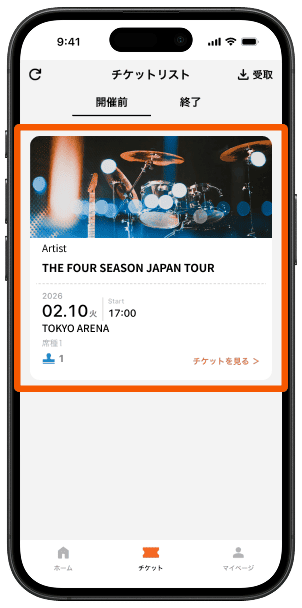
- STEP4
-
On the day of the event, enter with your smartphone!
Show your ticket to the staff at the entrance.